Tutorials
Step-by-step guides to help you master Rideful. Start here with the Circle Tool.
Circle Tool – Complete Guide
The Circle Tool is in beta. We’re improving things continuously for a smooth workflow. Questions or ideas? Email support@rideful.de, message @rideful.app on Instagram, or join the Rideful Discord. <3
Open the Circle Tool
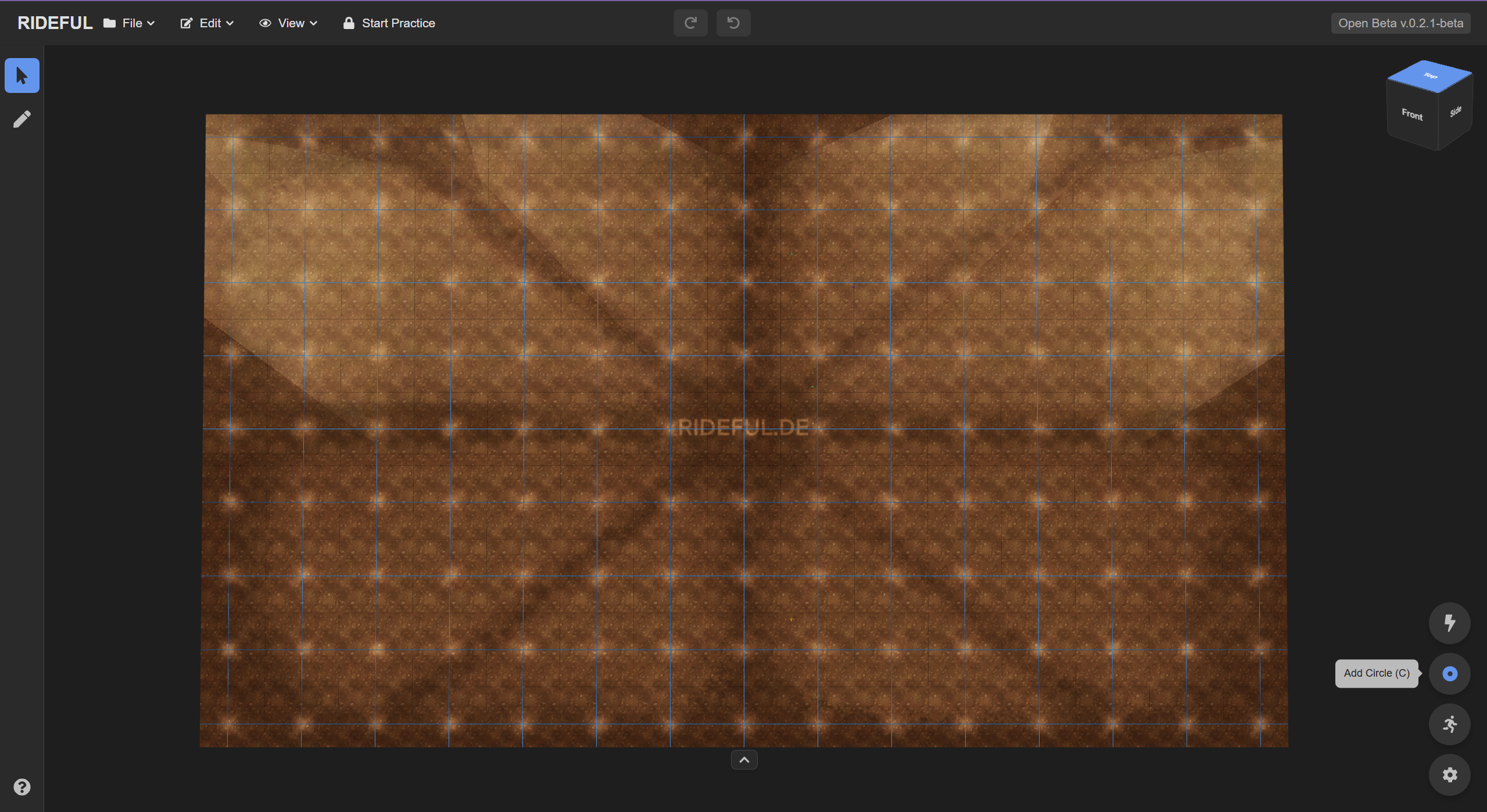
Open the tool from the floating buttons in the bottom-right corner or press C.
Builder & Tracks Overview
With the tool open, the left tab shows the Circle Builder. On the right, you’ll find your Circle Tracks list (we’ll use it in a moment).
Create an Arena Circle Track
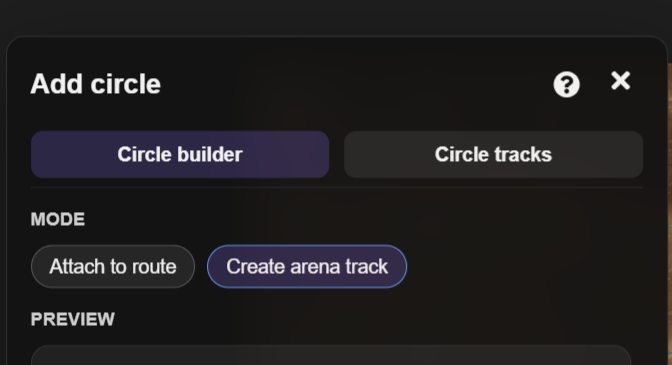
Enable Create Arena Track to place reusable circle templates directly in the arena.
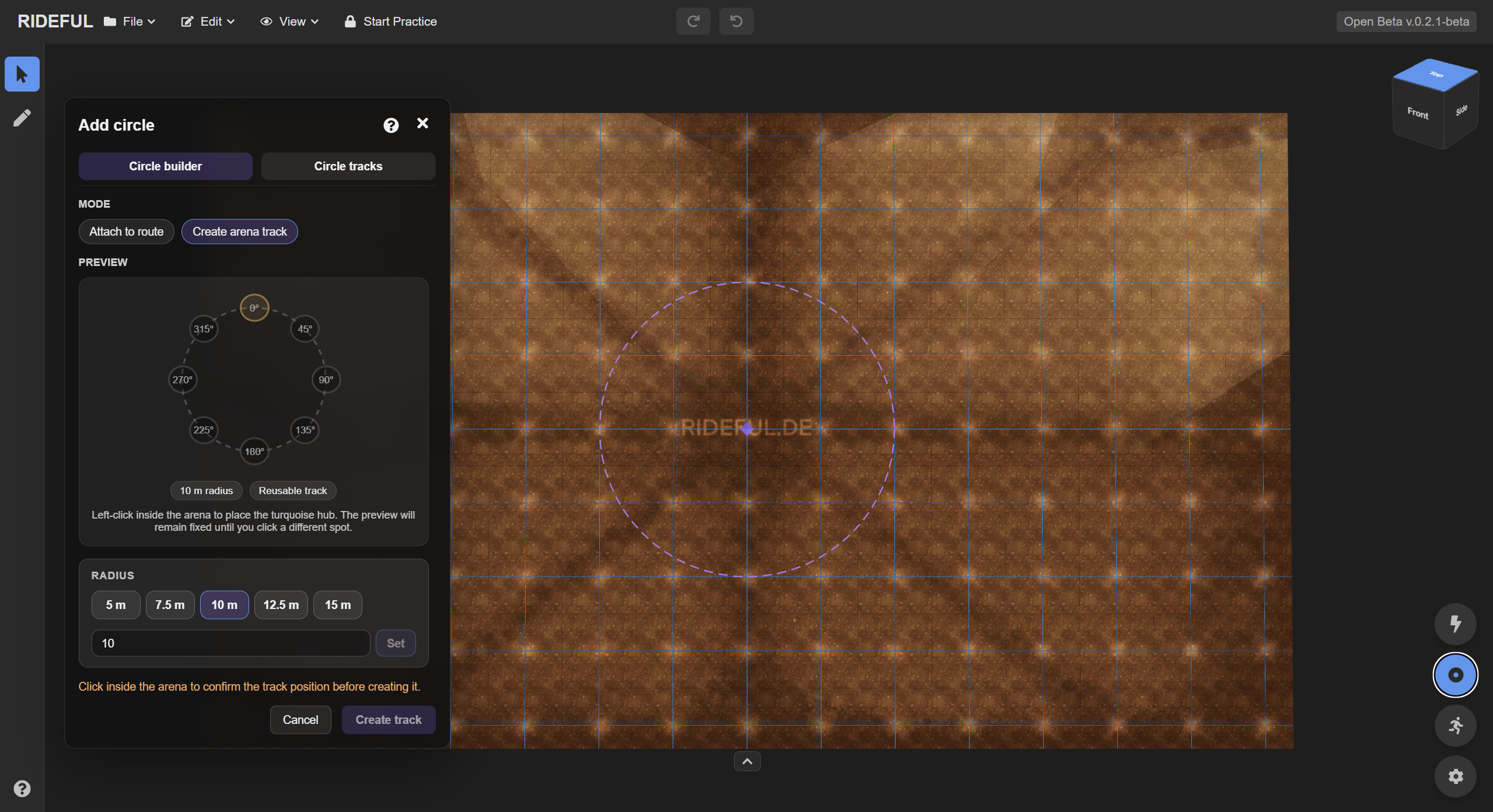
- Set the radius in the Circle Tool.
- Click in the arena where you want the circle.
- Click Create track to place it.
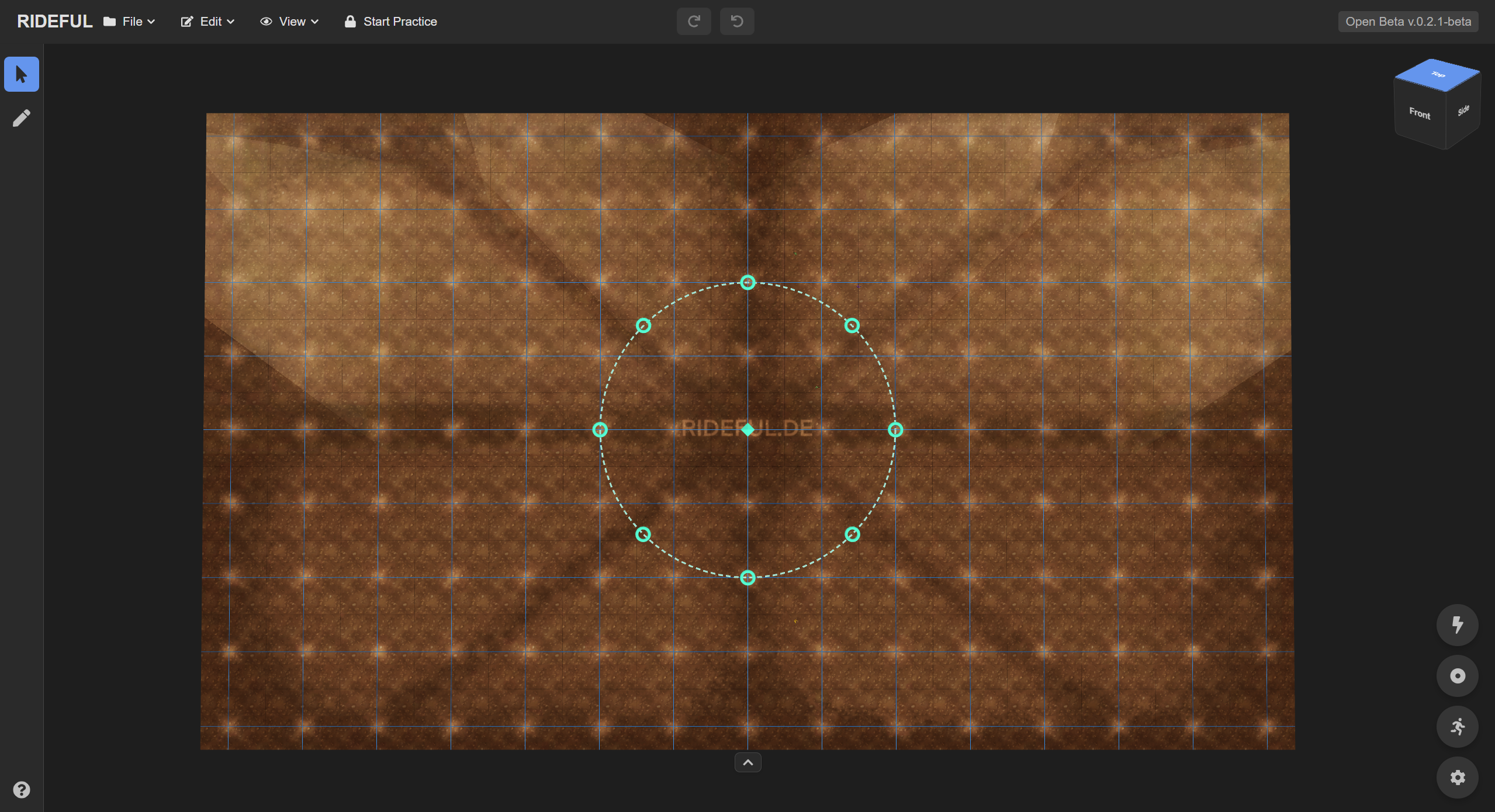
Once placed, the track appears in the arena and in the Circle Tracks tab.
Manage Circle Tracks
Switch to the Circle Tracks tab to rename a track, change its radius and position, or move it (just like points or triggers). Hold ALT while dragging an outer ring handle to resize. You can highlight a track, or delete it if you no longer need it.
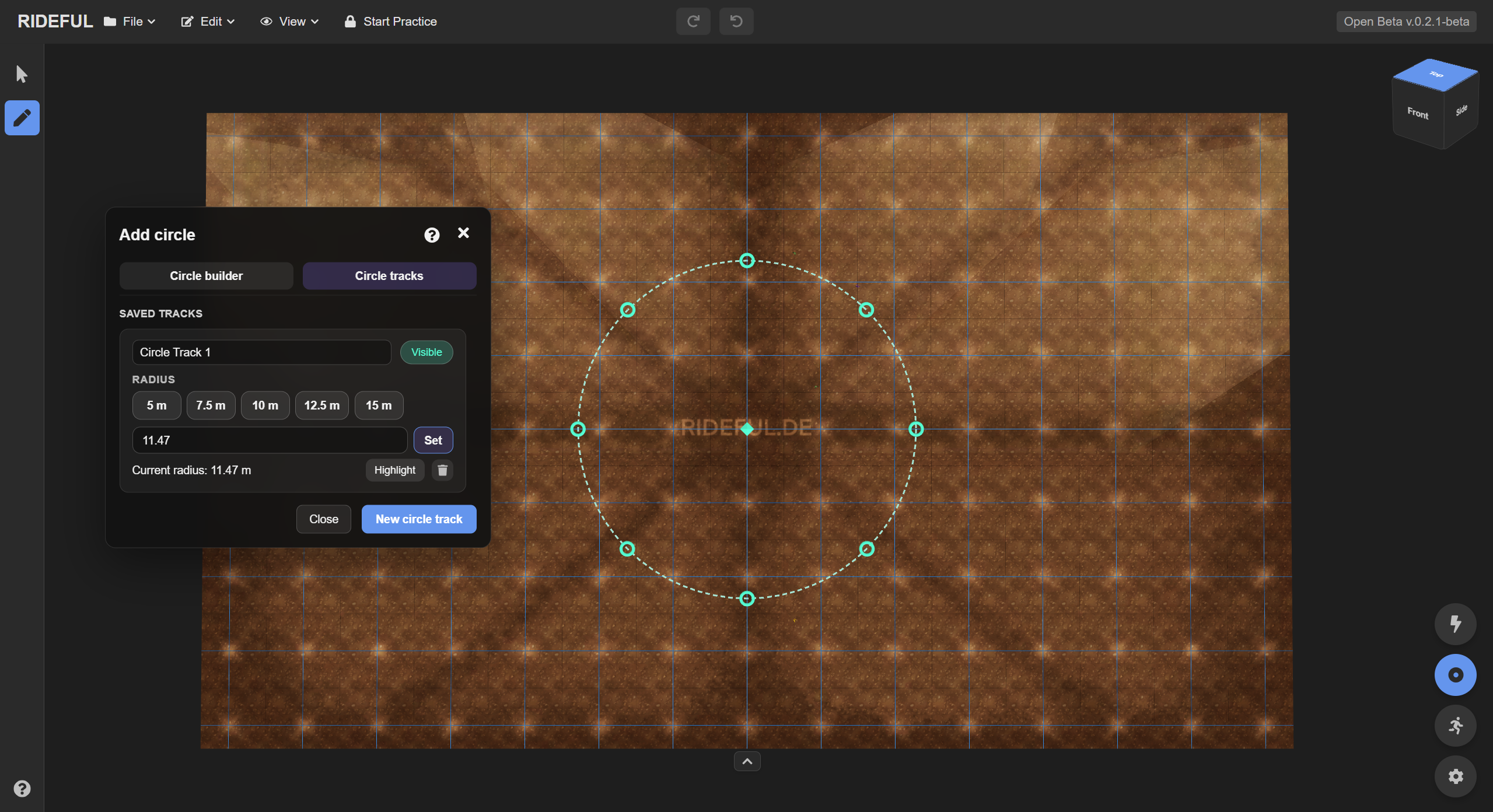
Note: Routes already running around a circle aren’t changed by renaming or highlighting the track.
Connect a Route to a Circle Track
Select the route point you want to connect (e.g., the blue end point).
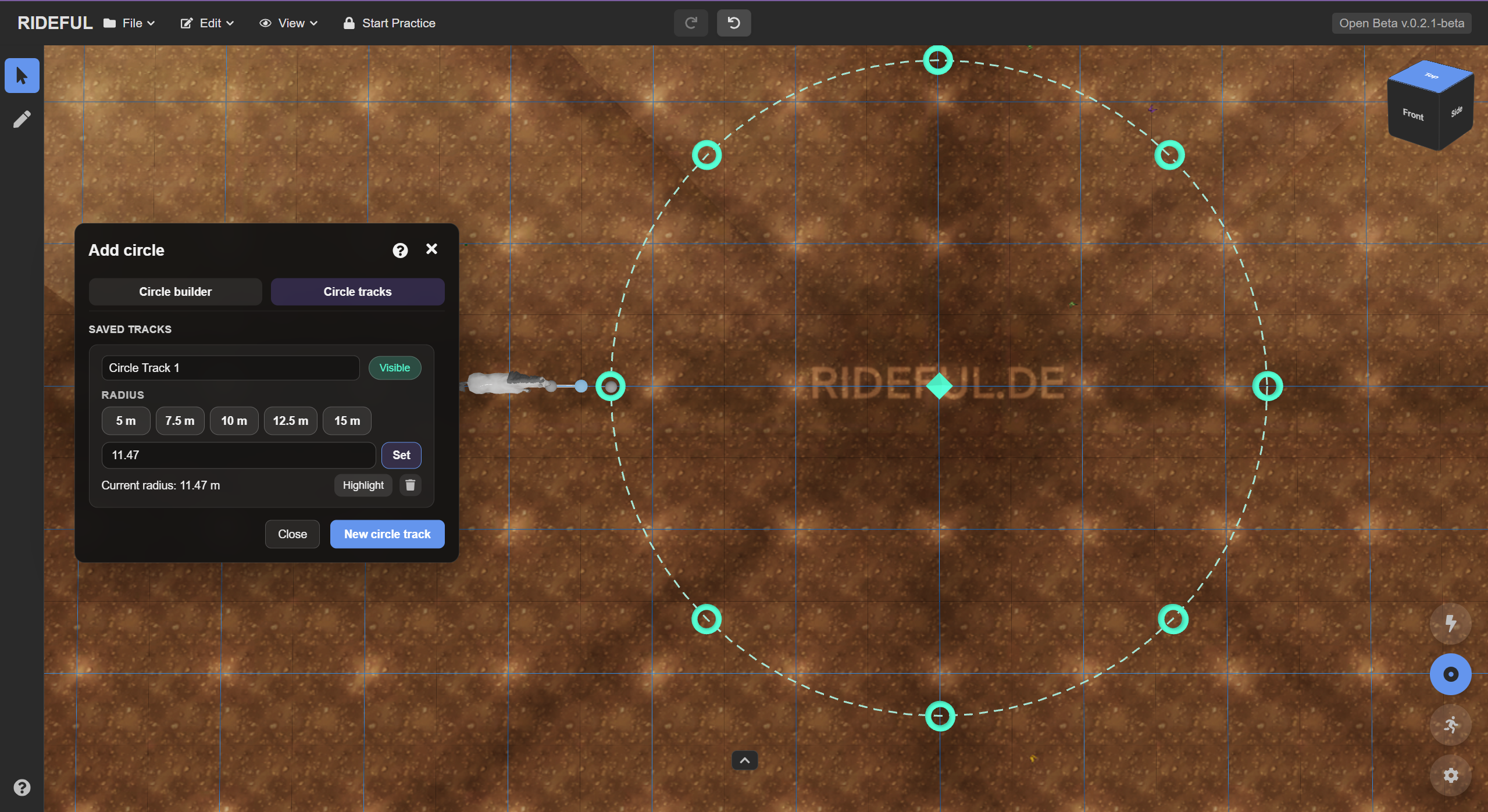
Click the circle’s ring for the entry (it turns orange).
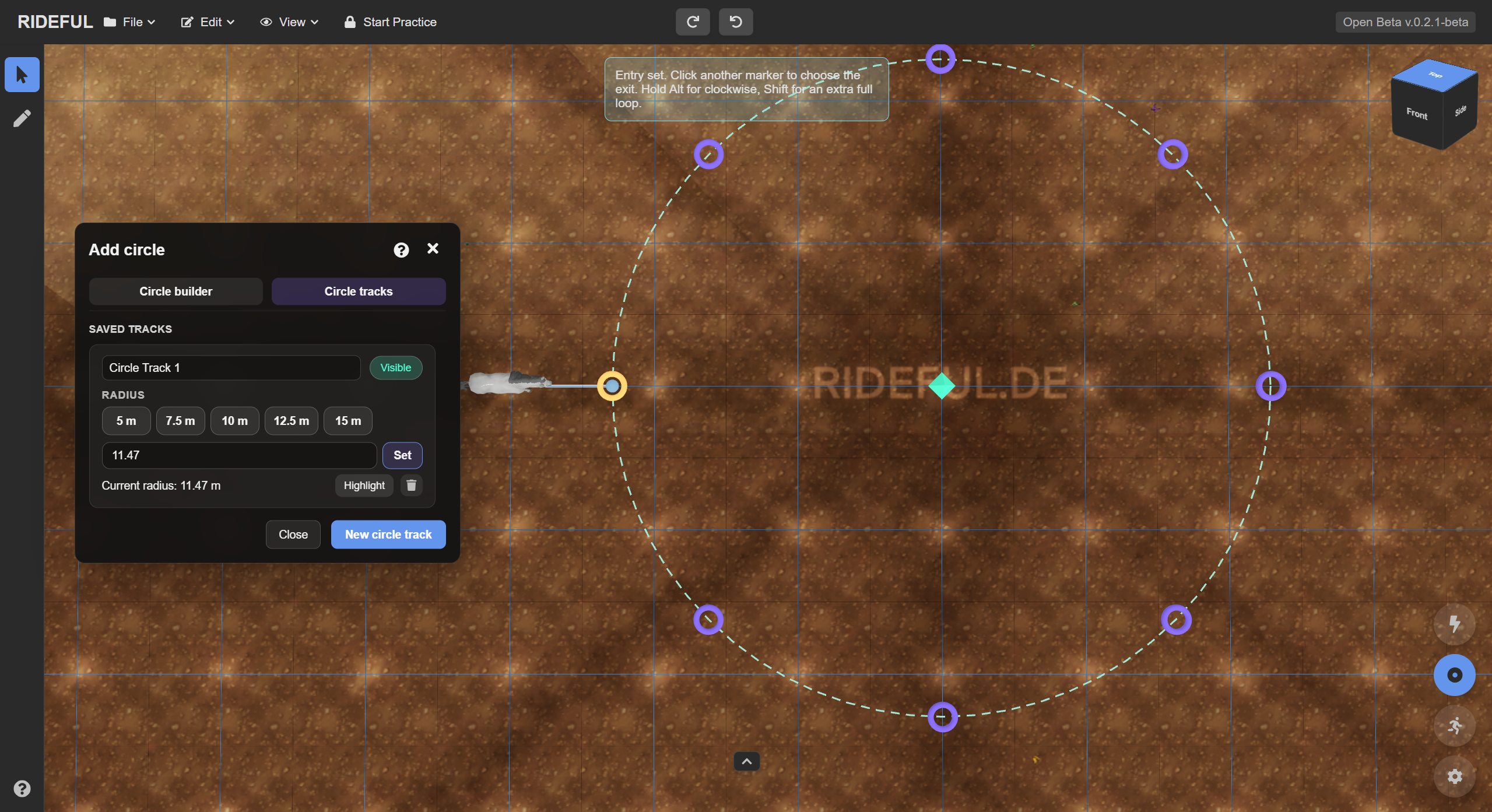
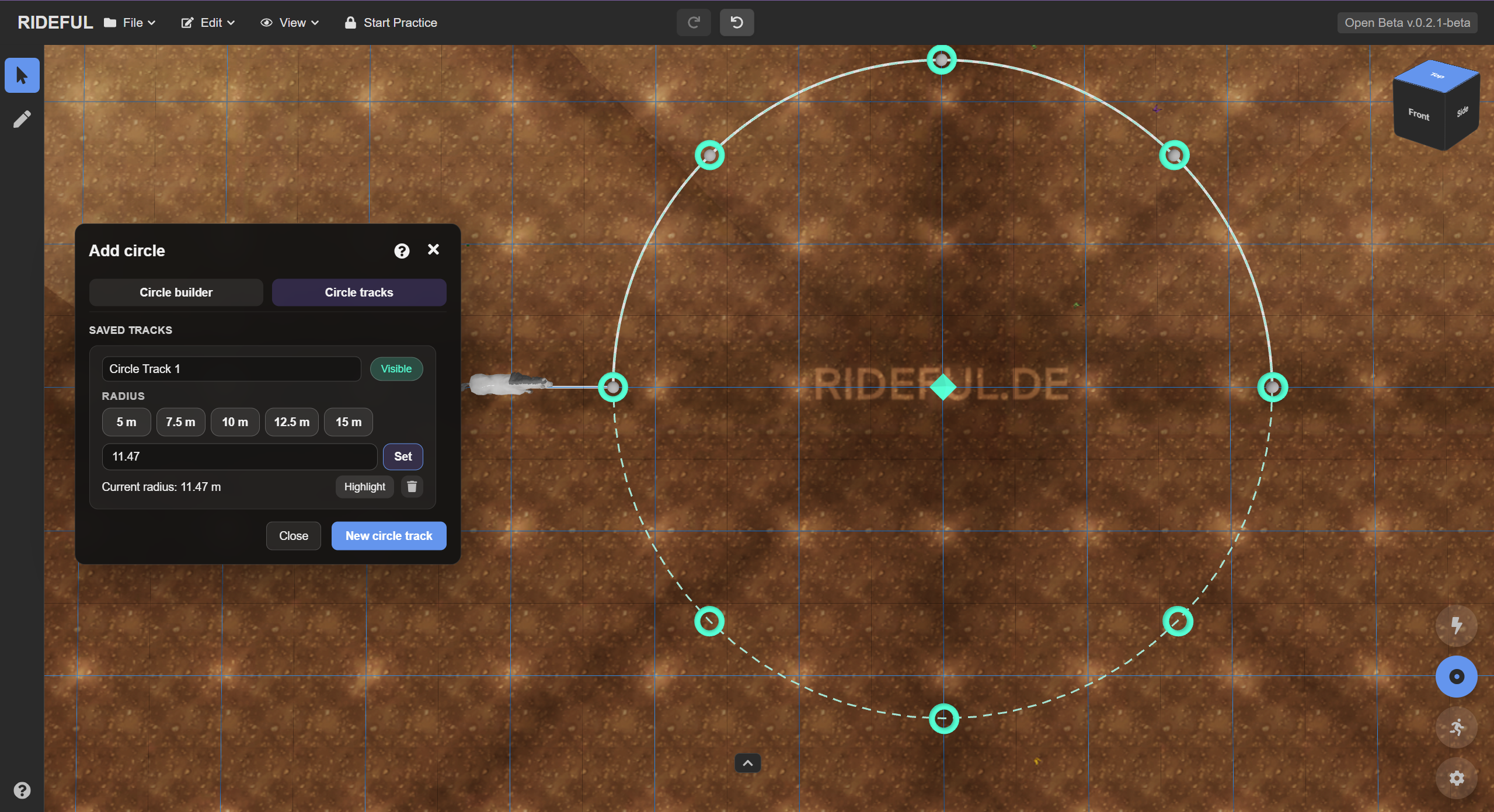
Then choose the exit.
- Hold ALT to go counterclockwise.
- Hold SHIFT for an extra lap.
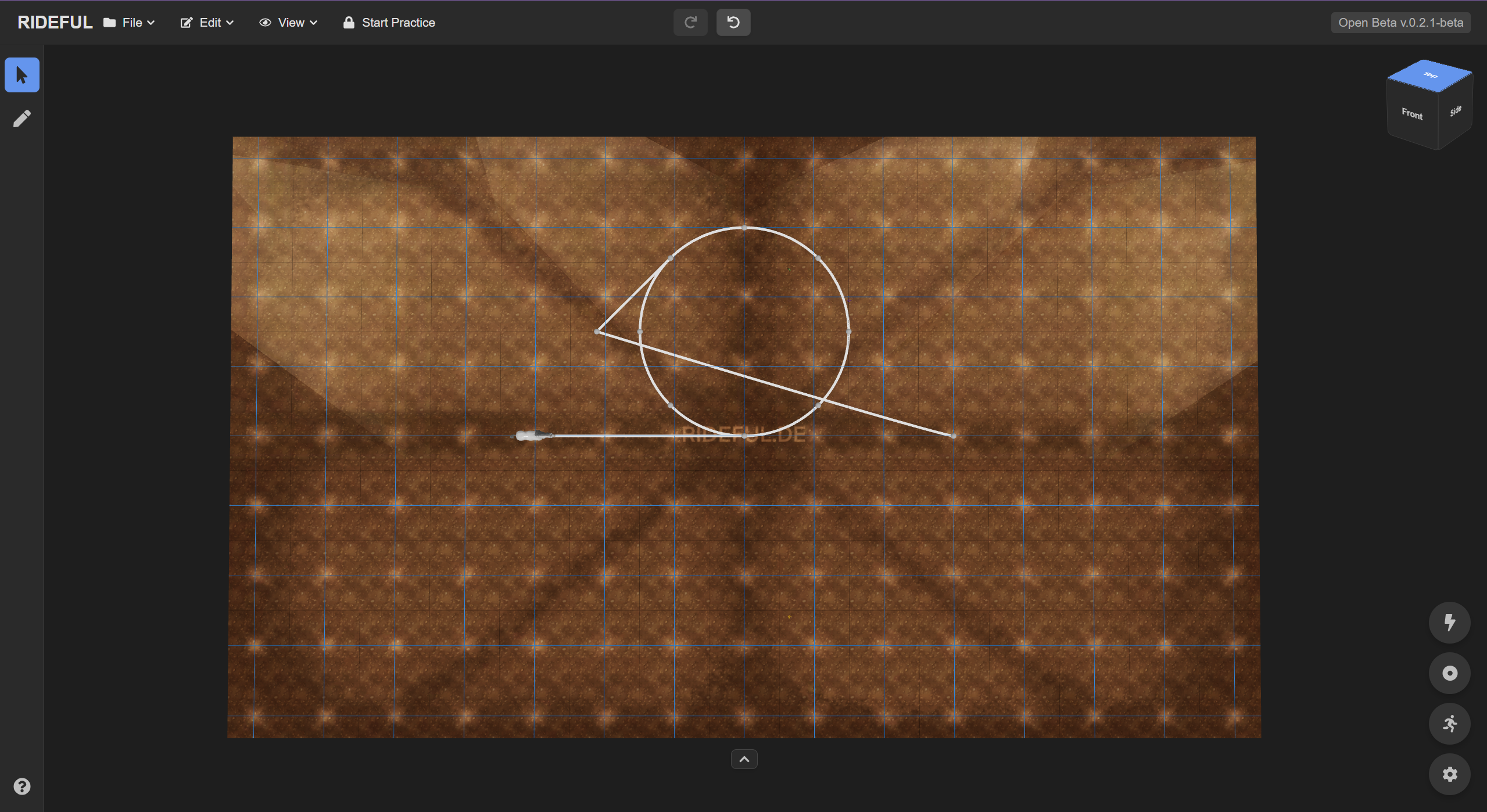
Attach a Circle Directly to a Route
To add a circle as a move at a specific point:
- Select the point on your route.
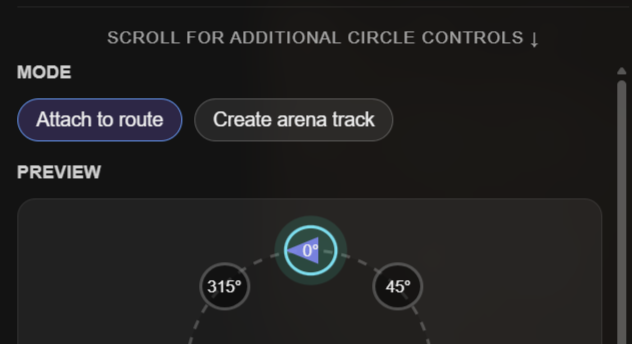
- Open the Circle Tool and choose Attach to route.
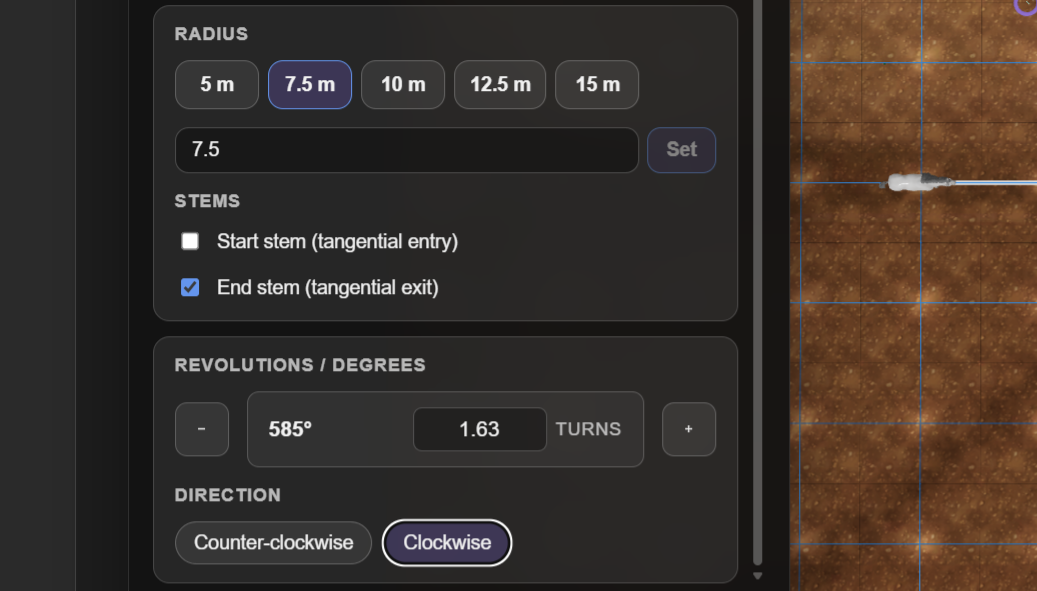
- Set the radius.
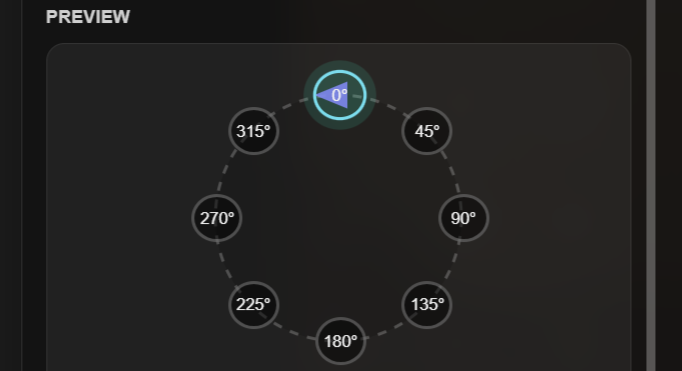
- Use the Preview panel to pick the rider’s entry point.
- Scroll for advanced options (lead-in/out, number of turns, stems preview, clockwise/counterclockwise).
- Click Create to insert the circle as a move.
Tips & Troubleshooting
- If a shortcut doesn’t respond, ensure no text input is focused.
- Use Undo/Redo while testing entry/exit points.
- Highlight tracks temporarily to keep complex scenes readable.
Beta Note
Like Rideful itself, the Circle Tool is in beta/testing. We’re improving features continuously. You have questions or suggestions? Please refer to support@rideful.de, Instagram @rideful.app, or the Rideful Discord server. <3